Dev Blog
Hi, this is the Stranded III development blog (see also Forum Thread, Comment Thread).
Entry 124 - Screenspace Sunshafts, Water Tweaks, New Models - October 18, 2026
Screen Space Sunshafts
I worked on improving the light and water even more.
Someone commented that I could add screen space sunshafts and I did it. It's a great addition to the volumetric fake sunshafts I spawn.
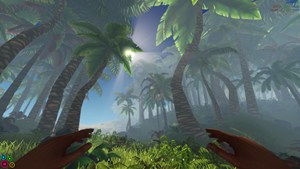
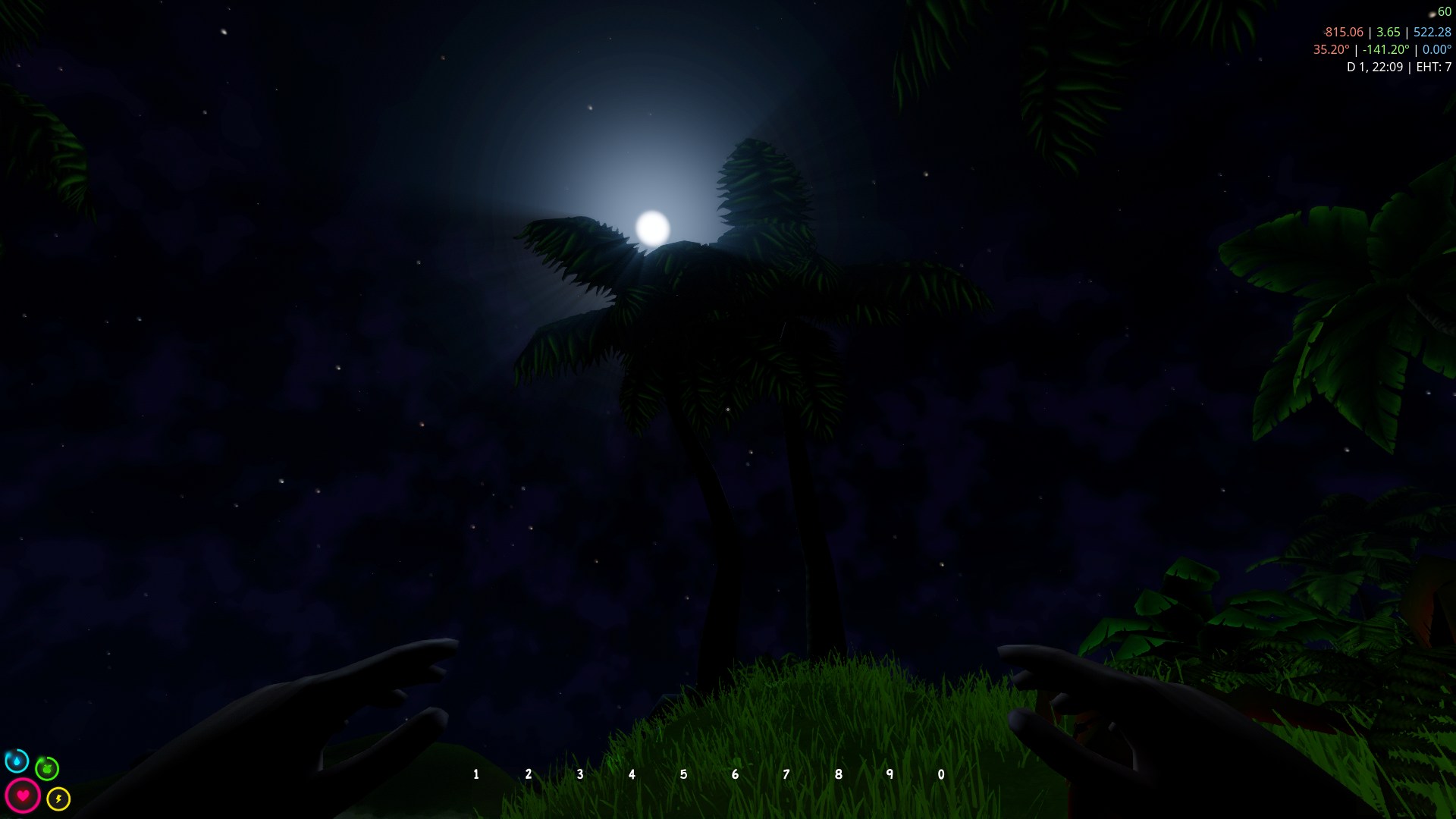
The screenspace sunshafts are also emitted by the moon but of course with a decreased intensity.
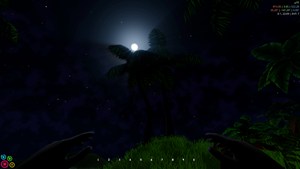
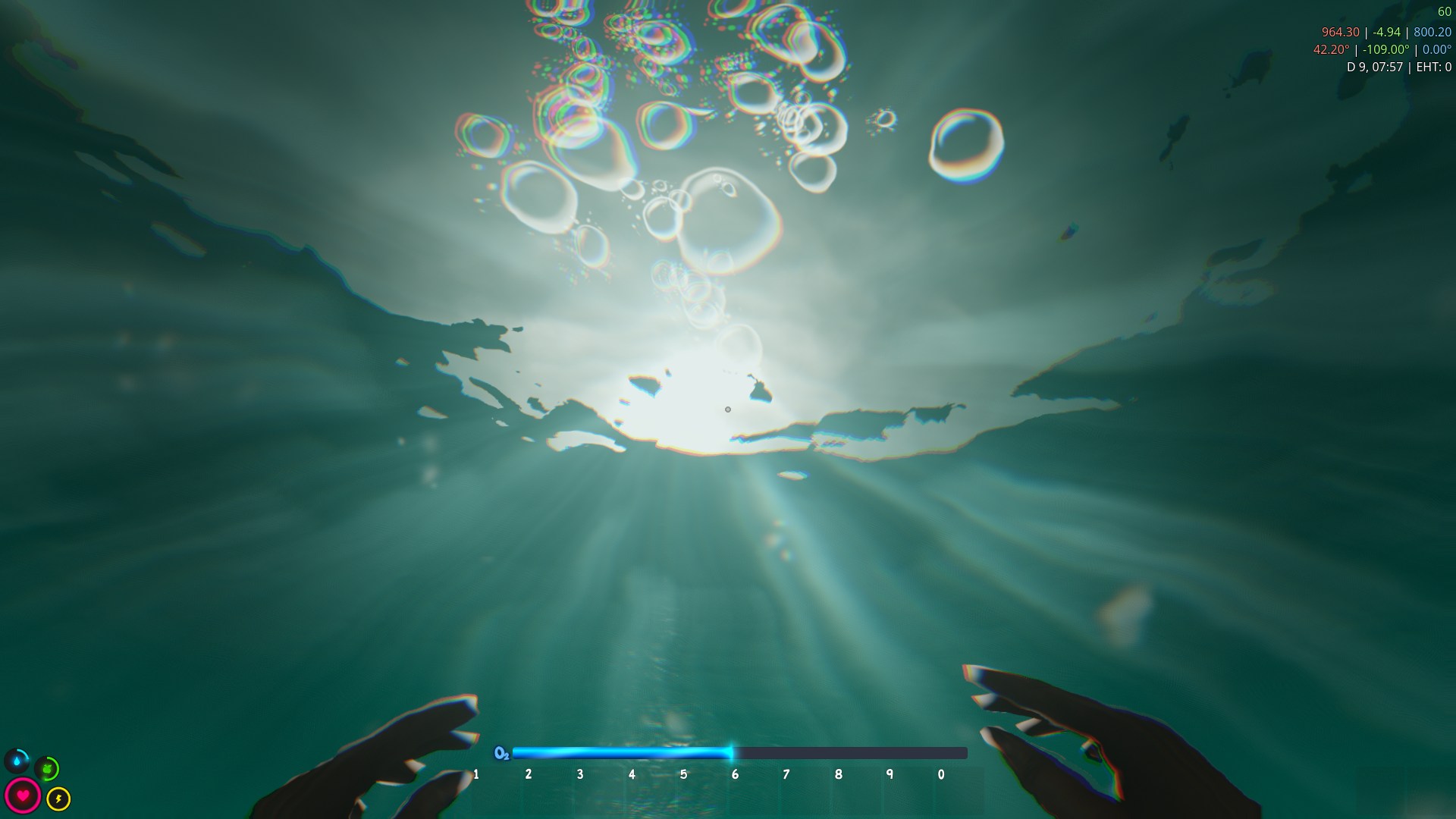
Also added sunshafts under water...
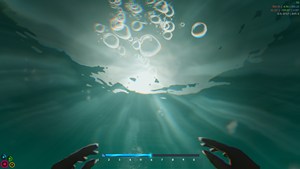
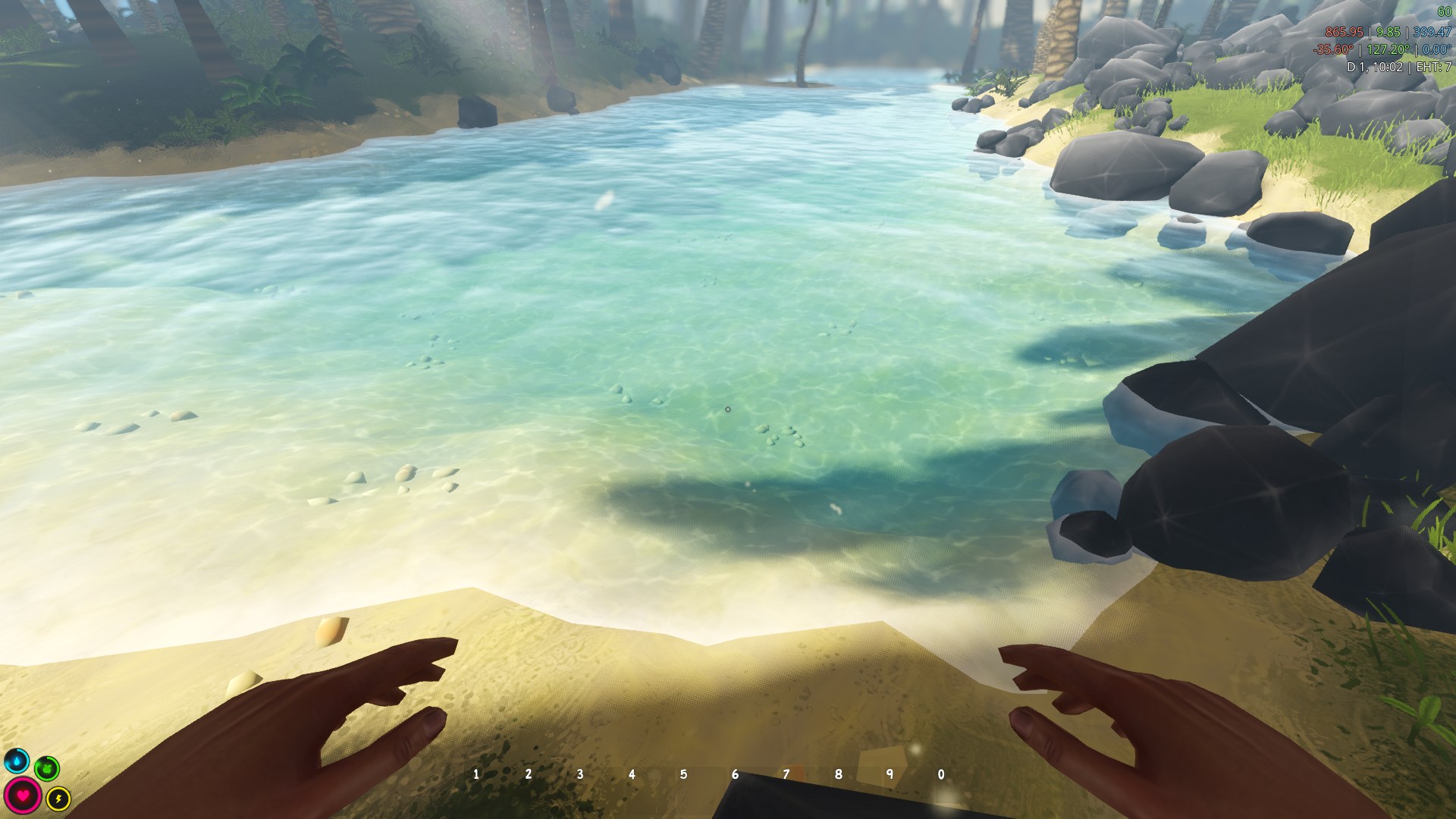
... and improved the water rendering in general
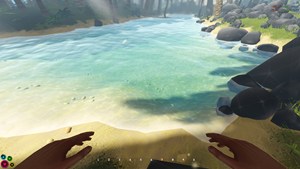
Weather
I improved the weather implementation. For instance wind is now visible via faster foliage shaking and spawns wind trail effects. Of course you can also hear it.
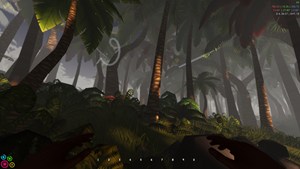
(looks better with animation, trust me)
New Models
I also worked on new models. Morning glory now grows in beach areas...
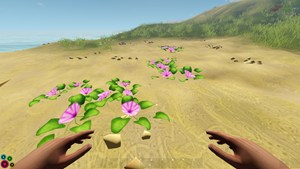
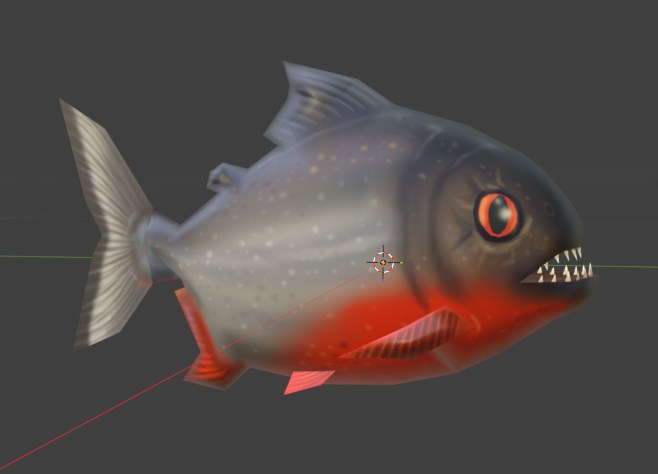
...and piranhas make water even more dangerous.
I worked on improving the light and water even more.
Someone commented that I could add screen space sunshafts and I did it. It's a great addition to the volumetric fake sunshafts I spawn.
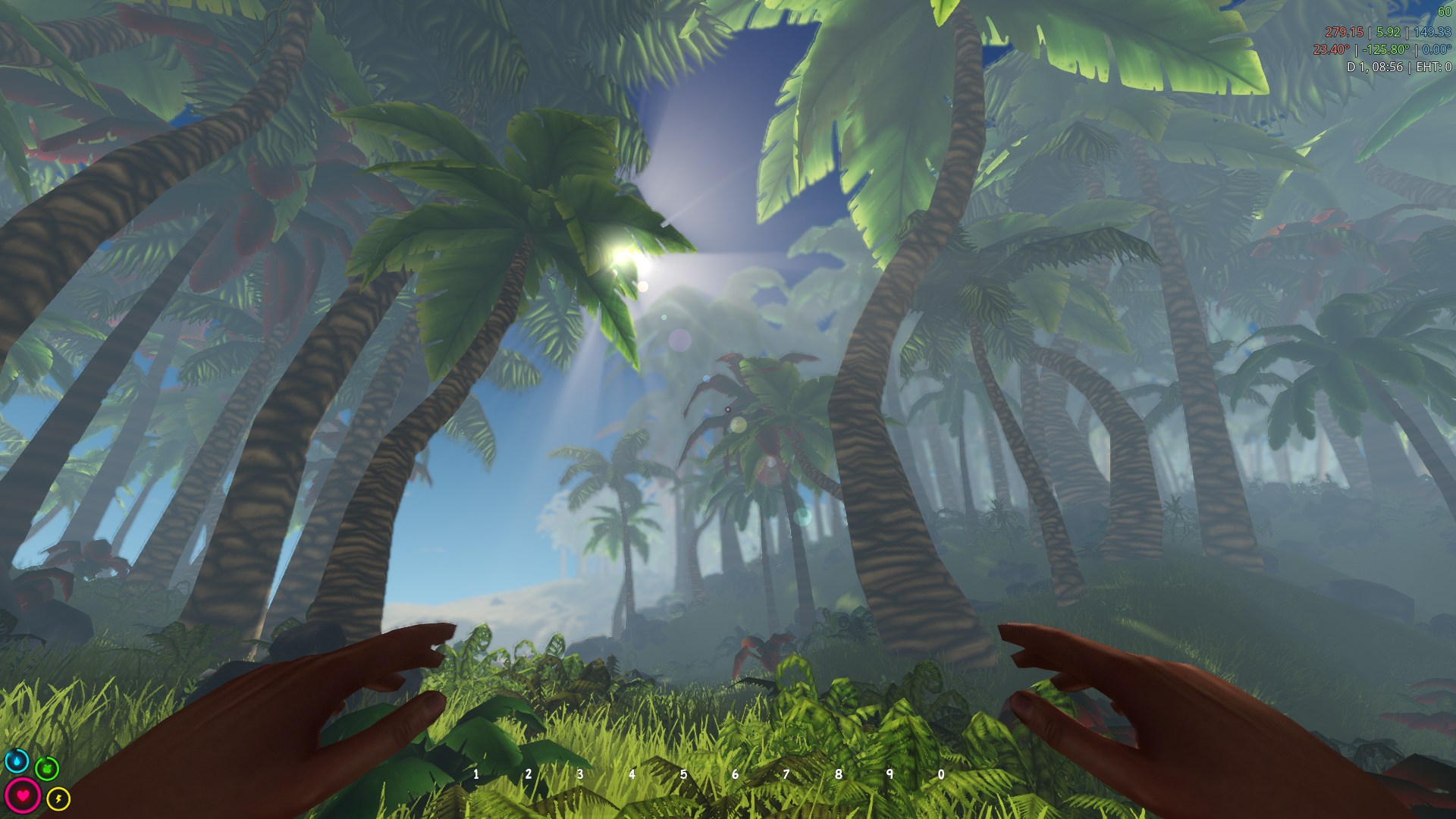
The screenspace sunshafts are also emitted by the moon but of course with a decreased intensity.
Also added sunshafts under water...
... and improved the water rendering in general
Weather
I improved the weather implementation. For instance wind is now visible via faster foliage shaking and spawns wind trail effects. Of course you can also hear it.
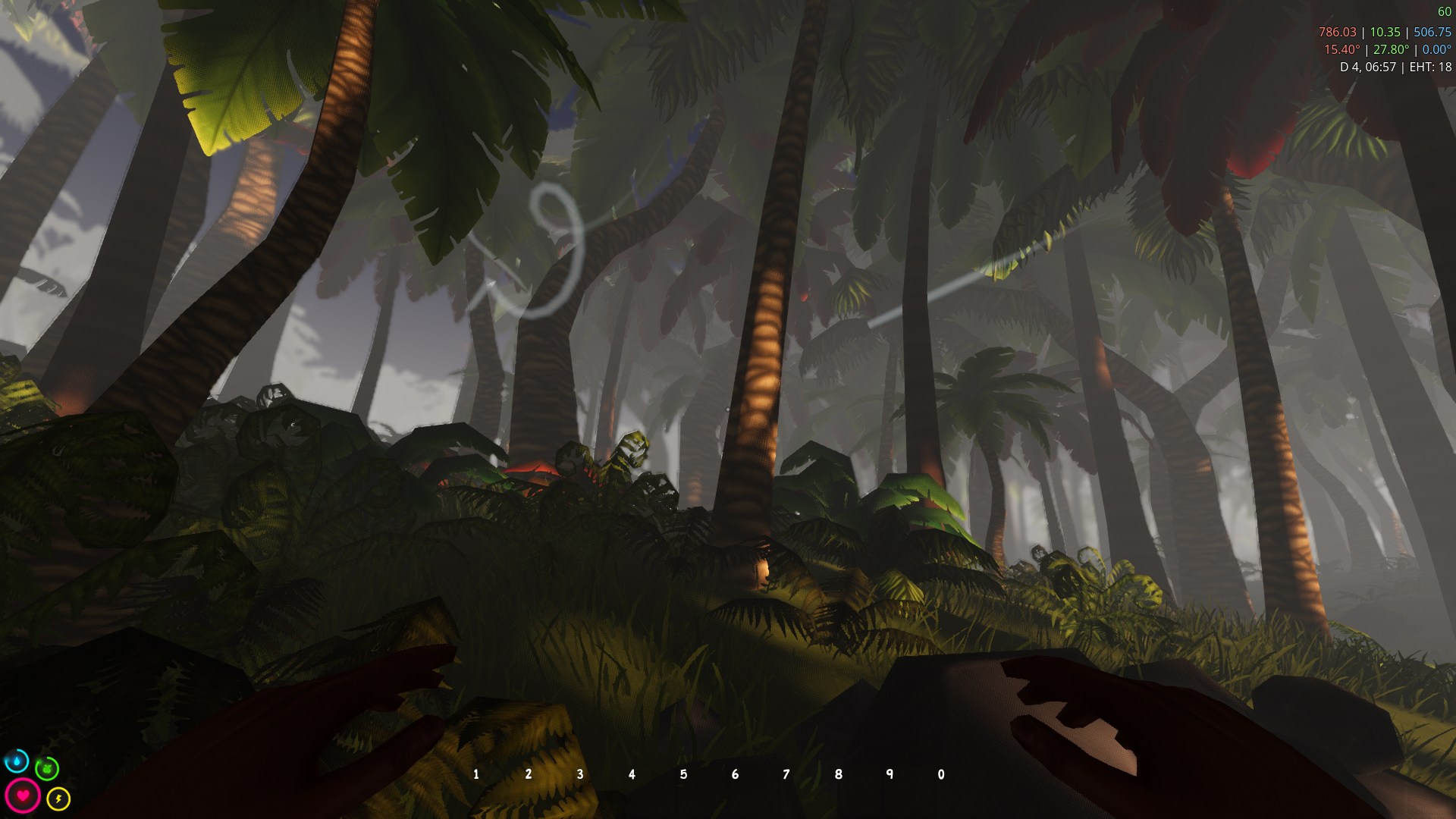
(looks better with animation, trust me)
New Models
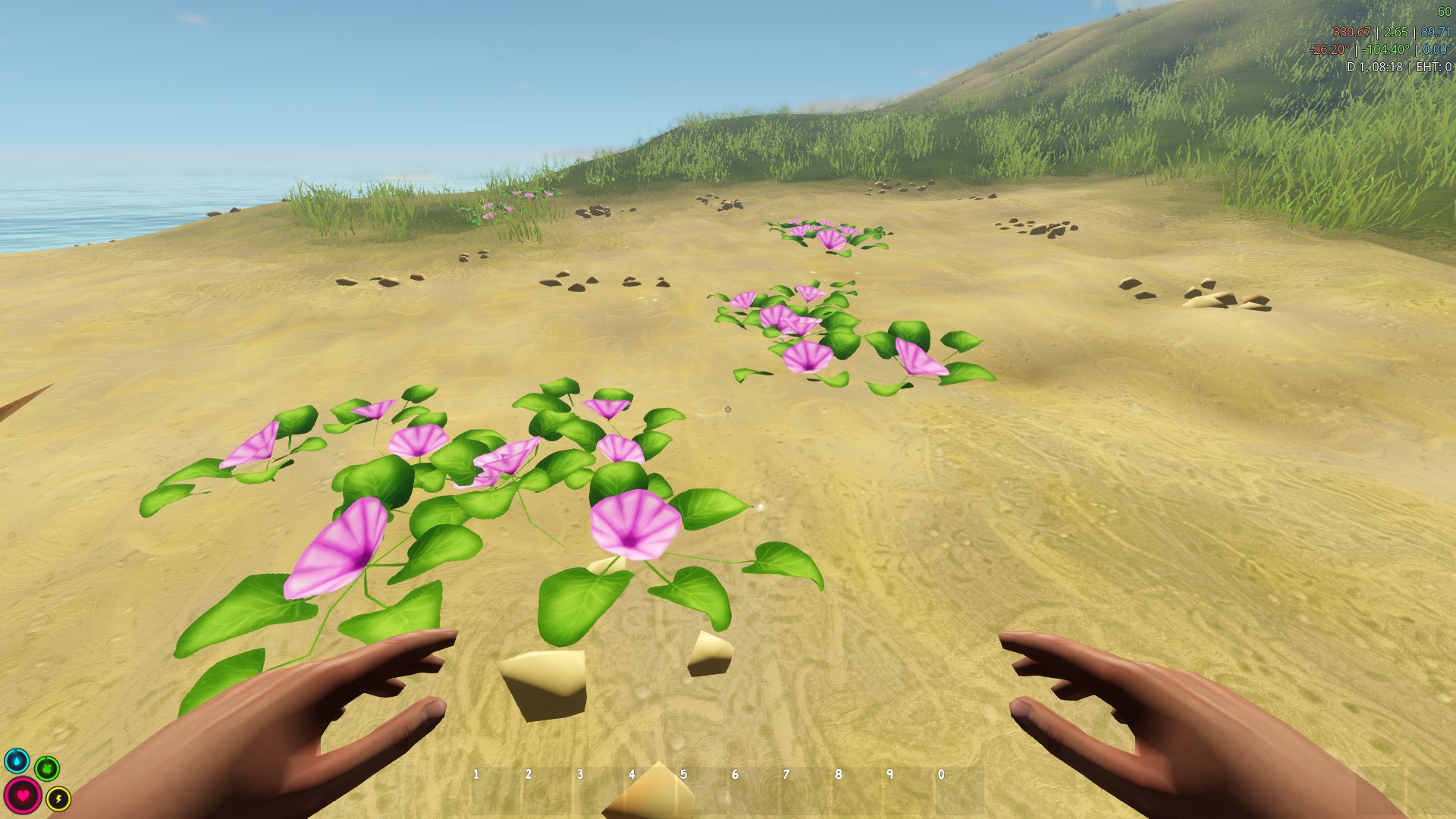
I also worked on new models. Morning glory now grows in beach areas...
...and piranhas make water even more dangerous.